Global Certificates
Overview
SSL certificates are used to protect data transmitted between websites and users, ensuring that data cannot be read or tampered with by third parties during transmission.
OpenResty Edge provides global certificate functionality, allowing you to configure wildcard certificates (such as *.test.com) as global certificates for shared use across multiple applications, improving certificate management efficiency.
View Global Certificate List
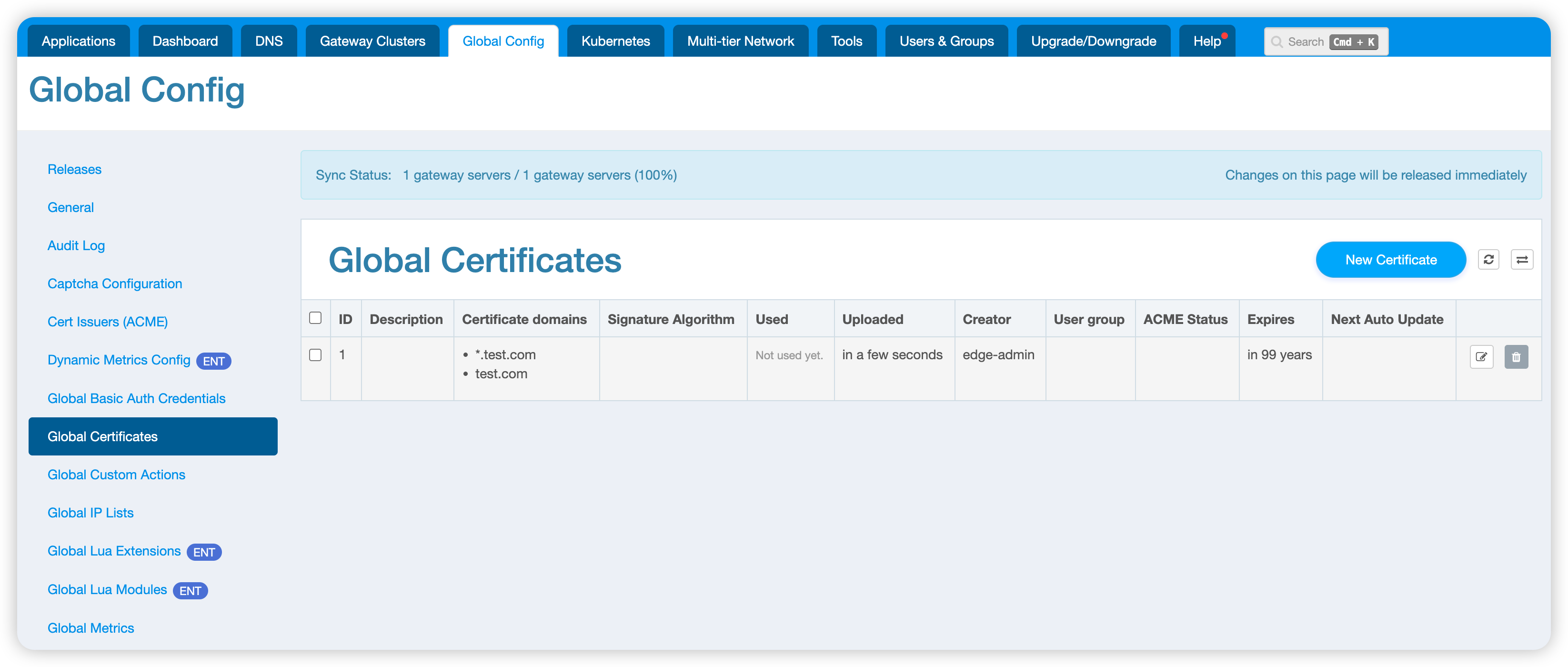
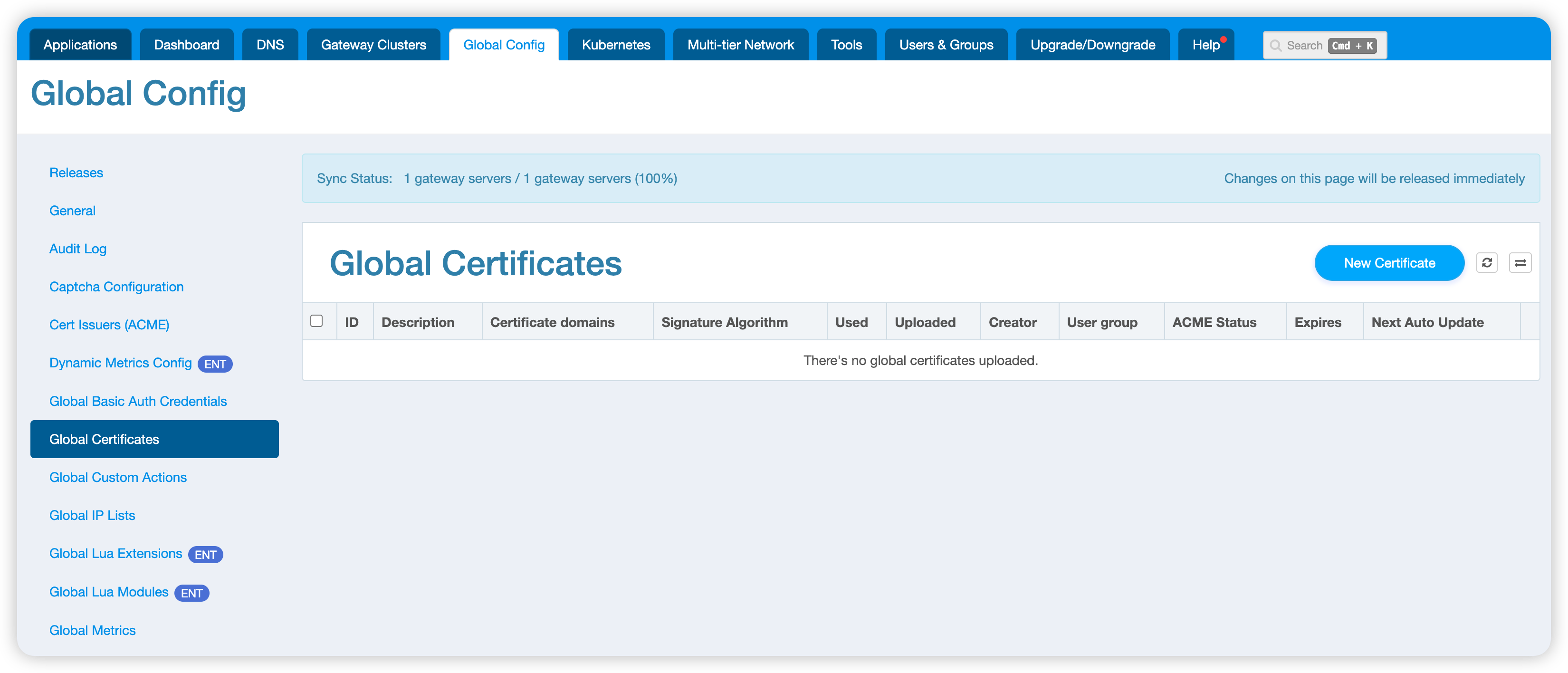
Navigate to the Global Config > Global Certificates page to view all configured global certificates.
Create New Certificate
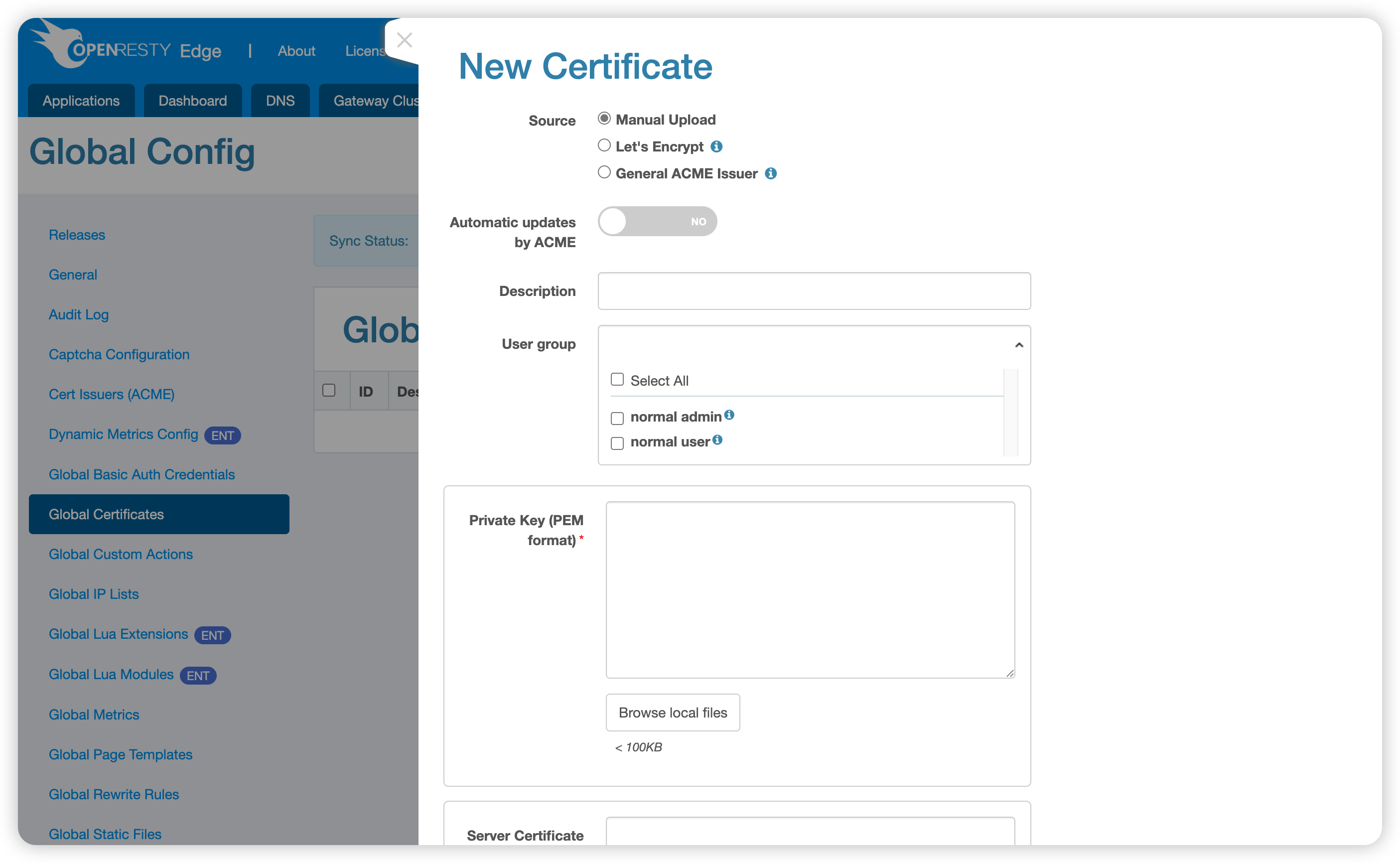
Click the New Certificate button to start creating a global certificate. The system provides the following certificate creation methods:
Manual Upload
Suitable for scenarios where you already have existing certificate files. PEM and PKCS#12 types are supported:
- PEM: Select and upload local certificate and private key files, or paste the certificate and private key contents into the corresponding text boxes
- PKCS#12: Select the
PKCS12type and upload a.p12or.pfxfile; if the file is password-protected, enter its password as well
For the PEM type, provide the following content:
- Private Key: The certificate’s private key content or file (usually in
.keyformat) - Server Certificate: Server certificate content or file (usually in
.crtor.pemformat), which can contain the complete certificate chain, or the CA certificate chain can be uploaded separately
For the PKCS#12 type, the uploaded file must contain the server certificate and its matching private key and can also include the complete certificate chain. After upload, OpenResty Edge converts the certificate and private key to PEM format for storage.
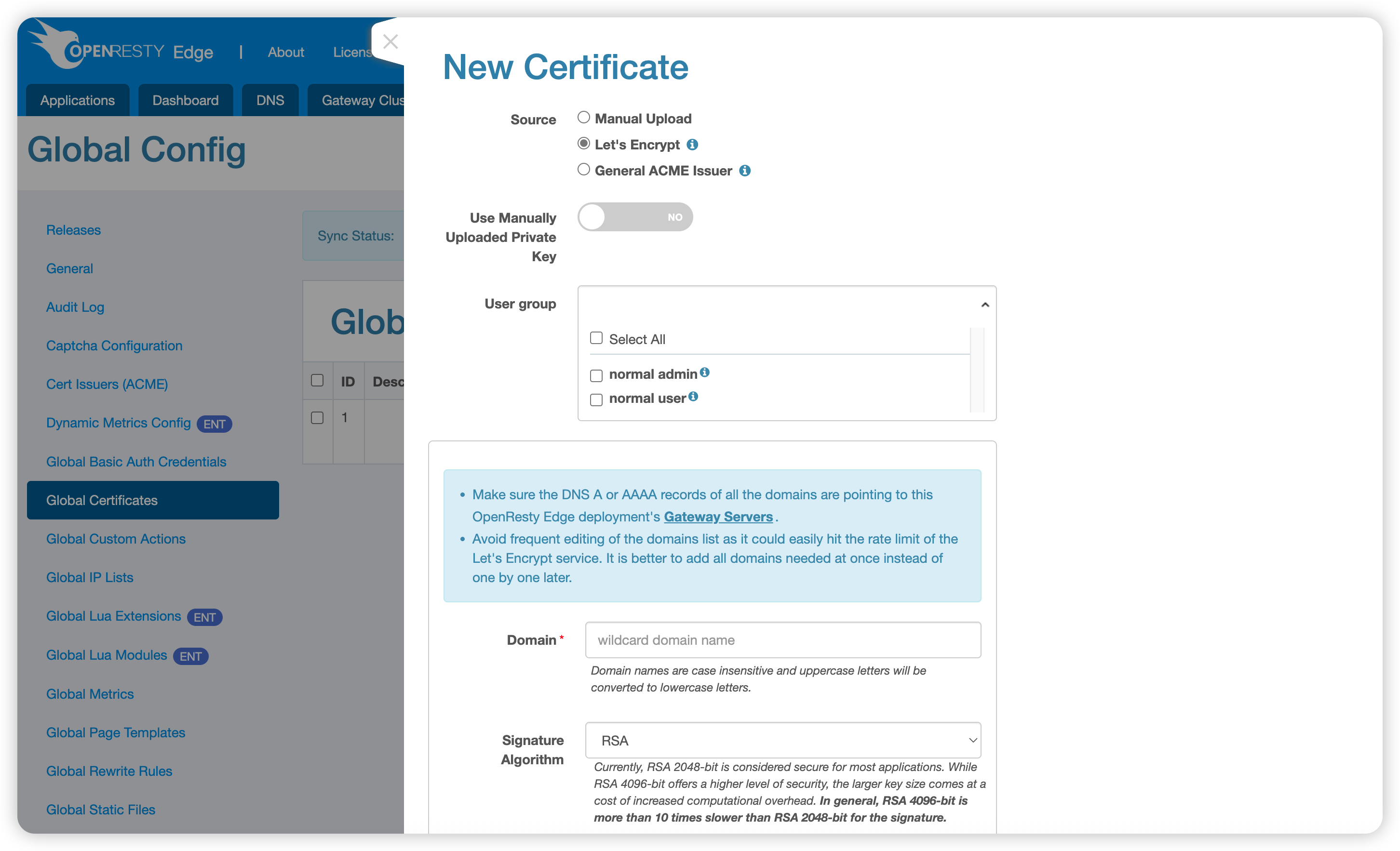
Let’s Encrypt
Use the Let’s Encrypt free certificate service to automatically issue and manage certificates. Suitable for publicly accessible domains, the system will automatically handle certificate application, validation, and renewal.
If the domain’s DNS records do not point to an OpenResty Edge Node, or if the Edge Node cannot be reached from the public internet, you can select a configured global DNS provider to validate domain ownership through DNS-01. OpenResty Edge uses the provider’s API to create the required _acme-challenge TXT record and performs the validation again during automatic renewal.
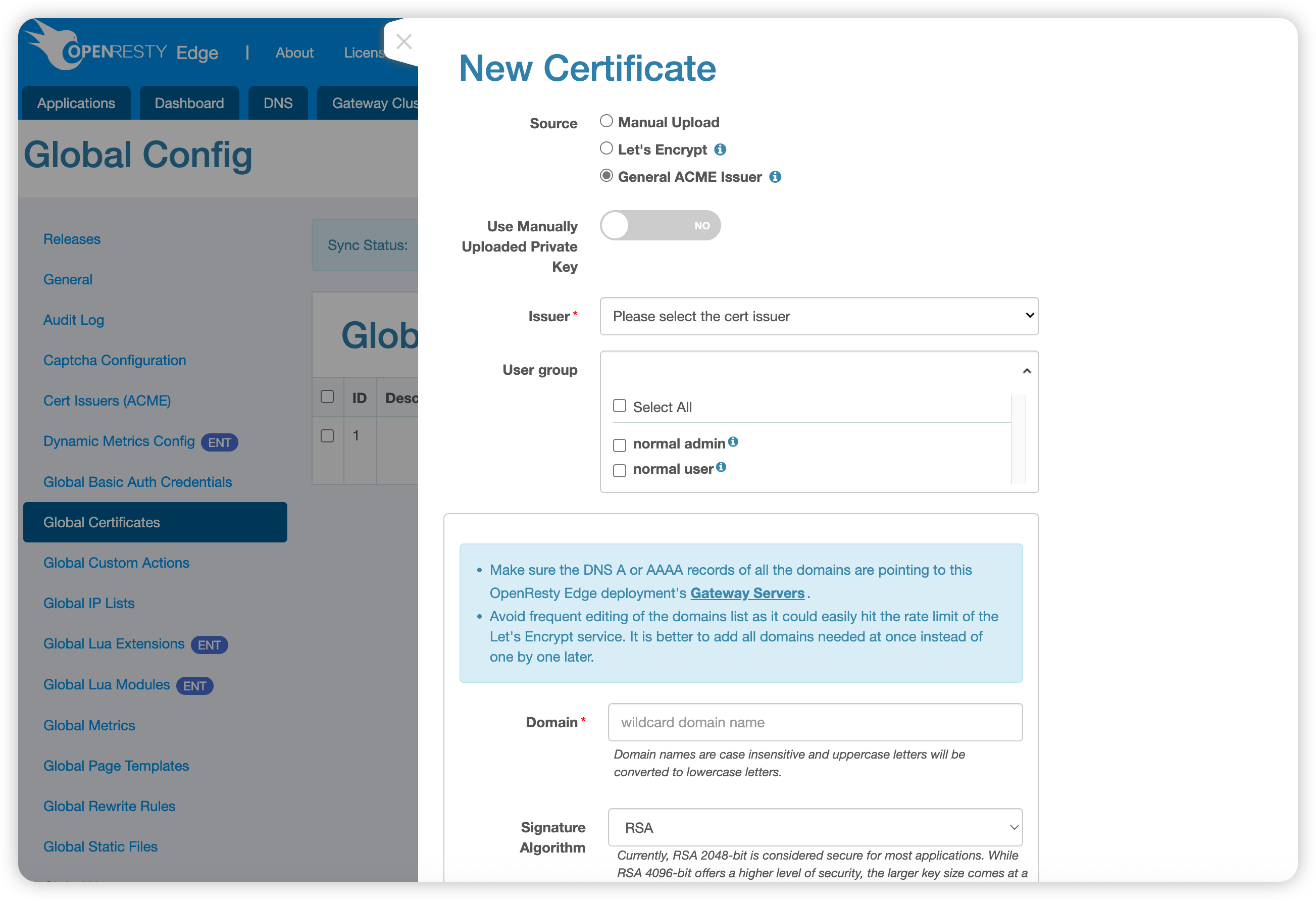
General ACME Issuer
OpenResty Edge supports other certificate issuers that comply with the ACME protocol. You can configure the relevant information of certificate issuers to obtain certificates.
If the selected ACME certificate issuer supports DNS-01 validation, you can also select a configured global DNS provider. With this method, the domain’s DNS records do not need to point to an OpenResty Edge Node, and the Edge Node does not need to be exposed to the public internet.
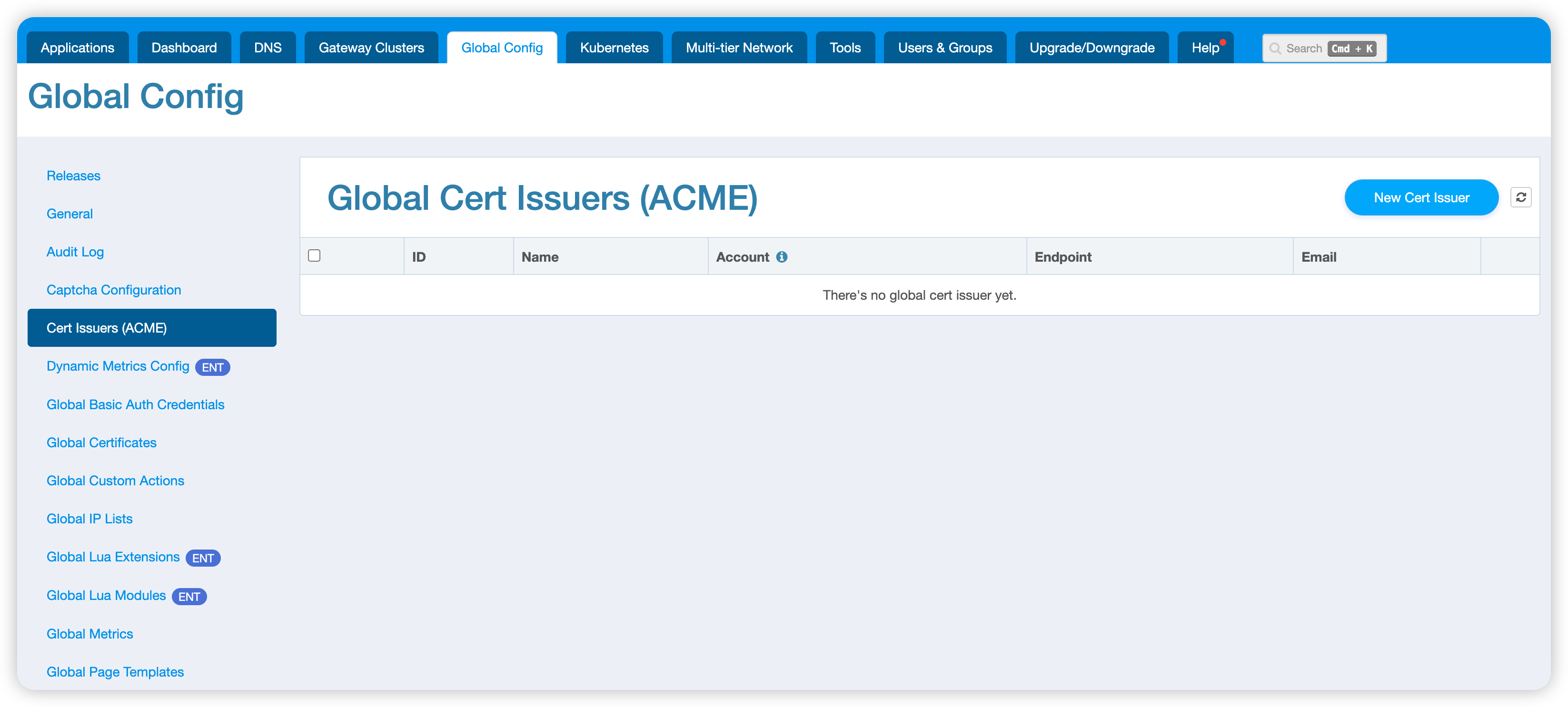
First, you need to add certificate issuer information in Global Config > Cert Issuers (ACME):
Then use that issuer to issue certificates:
Save and Validation
Validation Process
After completing the certificate information, click the Save button in the bottom right corner. The system will automatically validate the information you provided.
Manual Upload Validation Items:
- Whether the certificate format is correct
- Whether the PKCS#12 file and its password are valid
- Whether the private key matches the server certificate
- Whether the certificate is within its validity period
- Whether the certificate chain is complete
Automatic Issuance Validation Items:
- Whether the domain format is correct
- Whether domain resolution is correct
- Whether the ACME challenge passes
- Whether the issuer configuration is valid
Processing Results
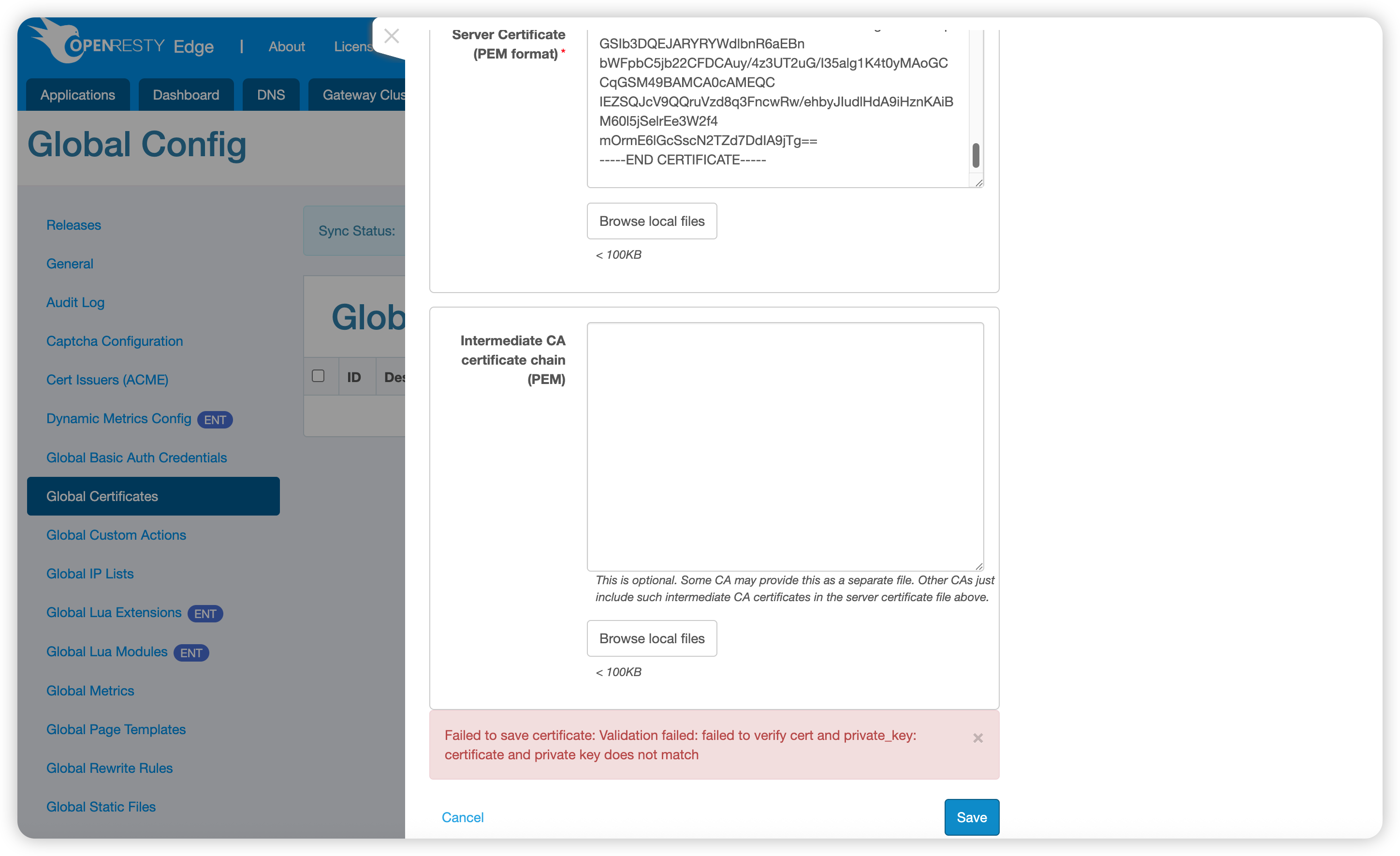
Validation Failed: The system will display specific error messages to help you locate and resolve issues.
Validation Successful: The certificate is saved successfully, and the page redirects back to the certificate list, displaying the newly created certificate information.