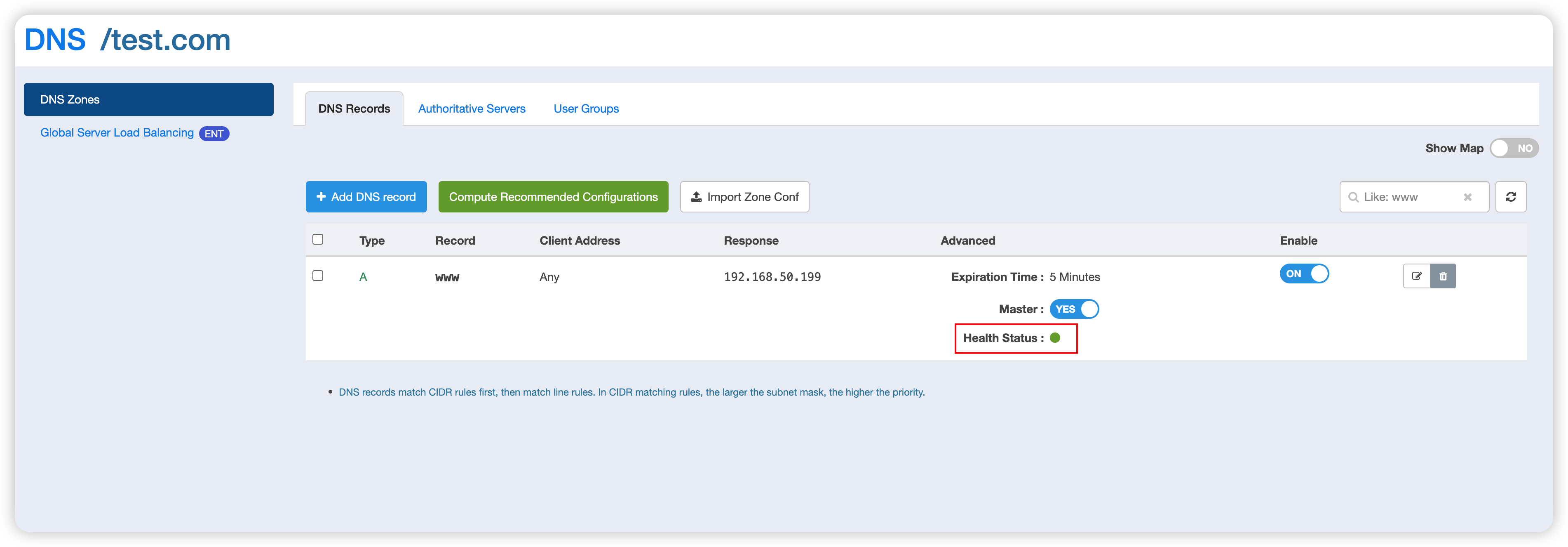
DNS Health Check
You can turn on DNS Health Check when adding or editing DNS records.
You can turn on DNS Health Check when adding or editing DNS records.
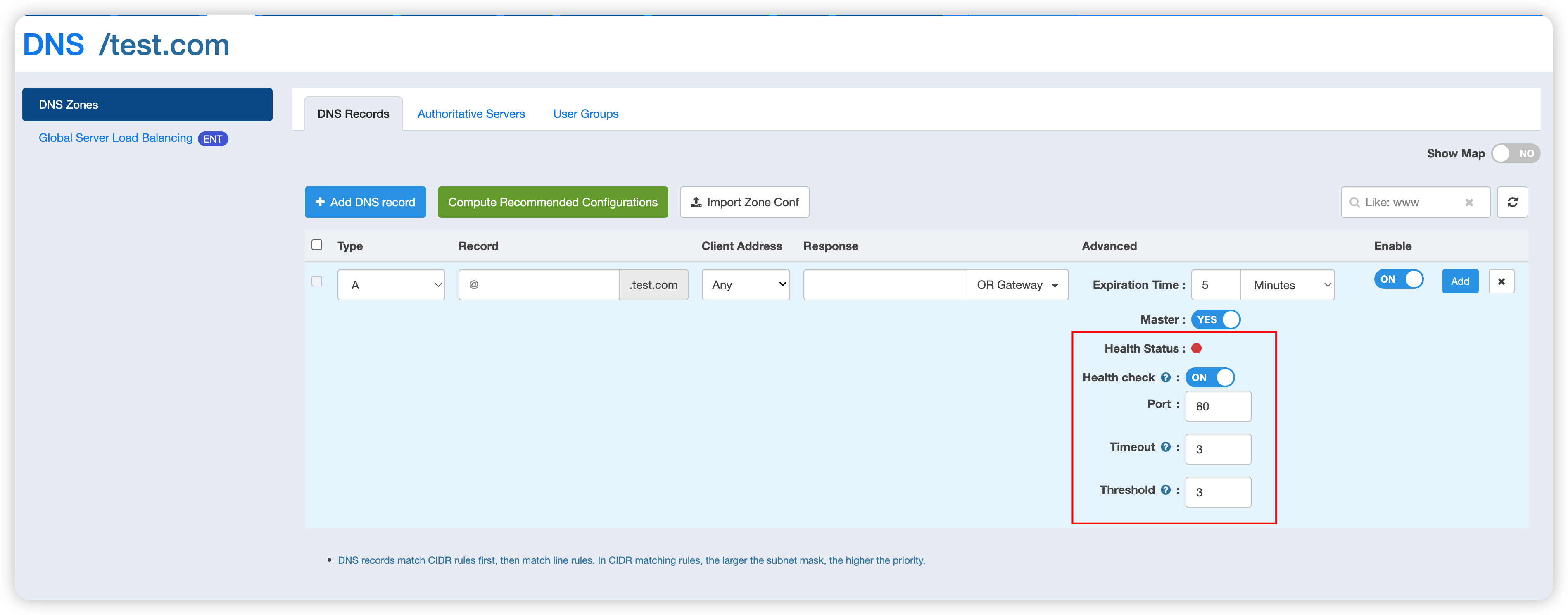
The following meanings apply to the configuration options:
- Port: Edge Admin will examine whether the IP + configured port of a DNS record posts normal communication. Only one port is allowed to be configured for each DNS application
- Timeout period: Examine the TCP connection timeout every time. If a normal connection cannot be established within the specified time, the examination result will be marked as a failure.
- Threshold: The DNS record will be deemed unhealthy if the times of failure spotted in examination exceed this threshold.
Health check is temporarily applicable only to DNS records of A and AAAA types. Unhealthy DNS records will be compulsorily taken offline.
Not healthy state:
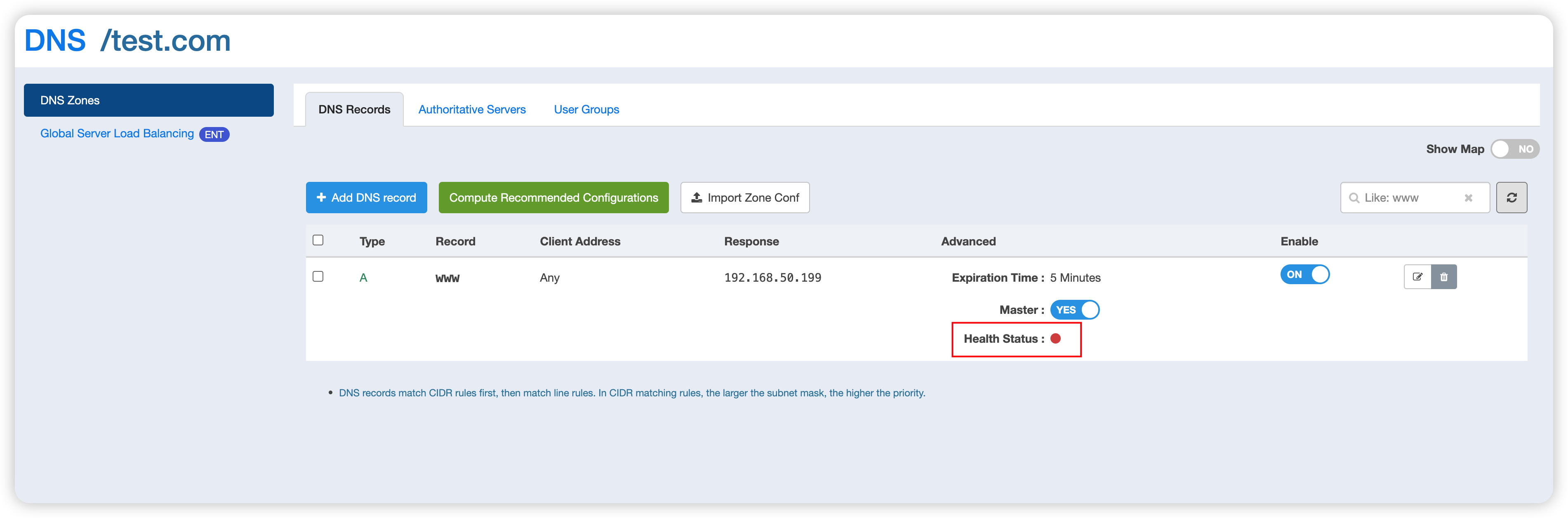
Healthy state: